
Create a Snapchat Form In Minutes
Learn how to make an interactive form and share it on Snapchat.
How to Add a Form to Snapchat
Follow these steps to create a Snapchat form:
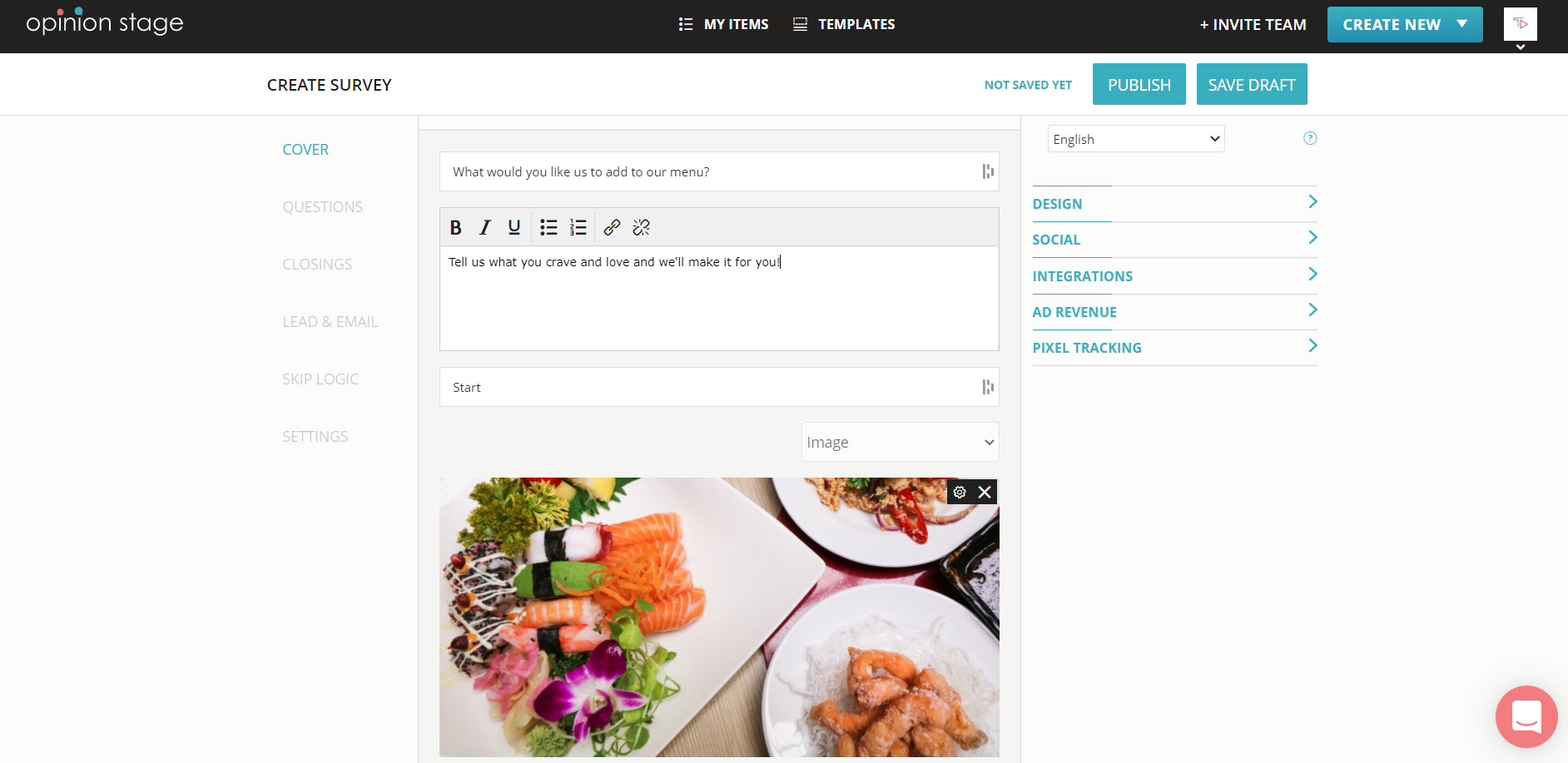
1. Create a form
Create a single-page form or a multi-page form from scratch, or choose a form template and customize it.
2. Copy the form link
Locate the form in your items dashboard. Click on the ‘Embed & Share’ button and then copy the link from the ‘Share Link’ tab.
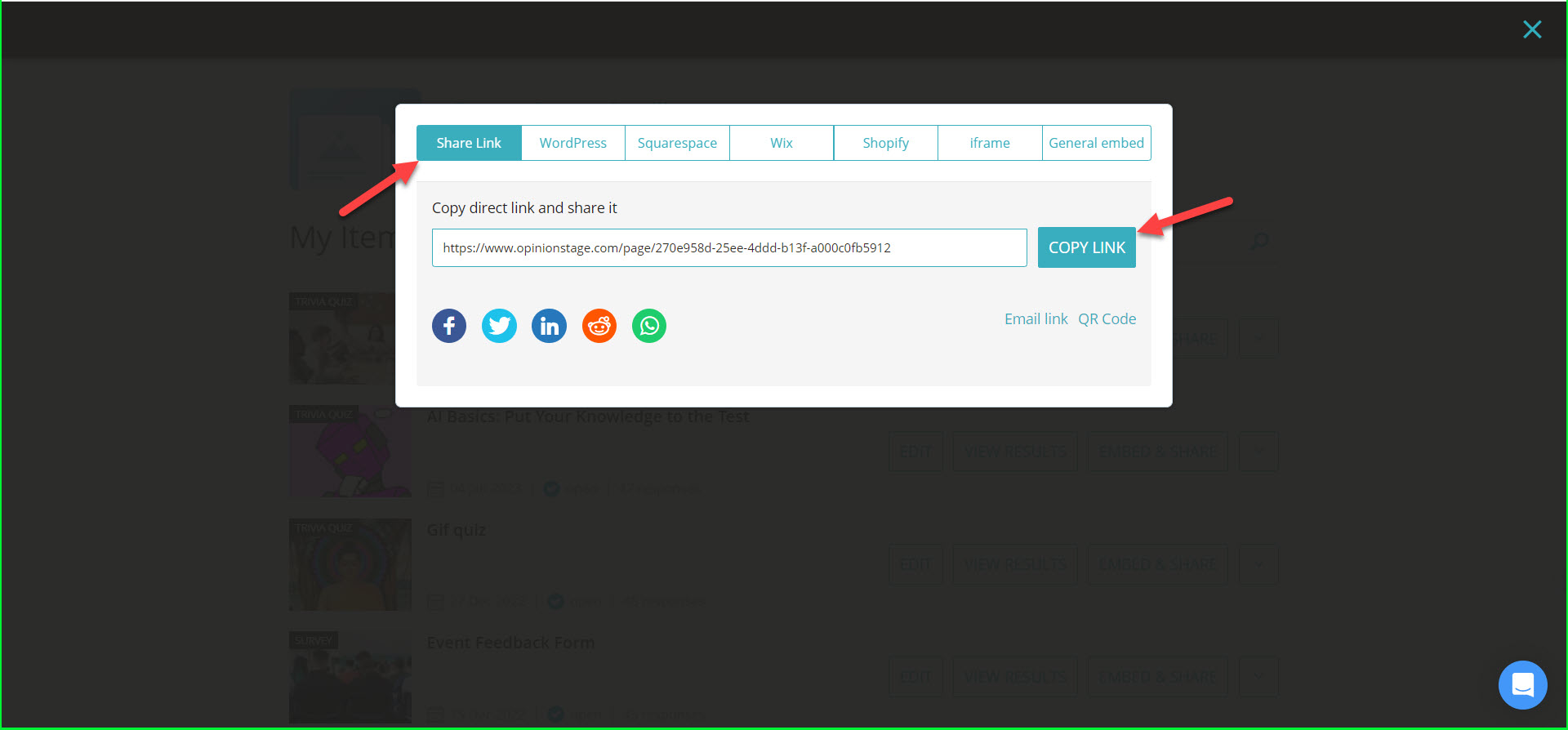
3. Share on Snapchat
Paste the form link in your Snapchat channel.
Best Practices for Creating a Form on Snapchat
- Ask only for what you really need – the more fields you will have in the form, the fewer submissions you will get. If you only have one question to ask, you could also make a Snapchat poll.
- Place the form in a central location – To get more participation place the form on top of the fold whenever possible. To boost engagement, consider making a visual conversational Snapchat survey.
- Get notified on submissions – Opinion Stage lets you choose to be notified of submissions as they happen.
- Integrate with your marketing automation – With our form builder, you can automatically send the data collected in the form (e.g. email) to your marketing automation service (e.g. Mailchimp, etc.). It’s super easy. Just a few clicks.
If you’re looking for more types of content to share with your Snapchat audience, check out our Snapchat quiz possibility as well.
Quiz Types & Tools
You can easily do it yourself, no need for a developer
Create a Form